
Shoes
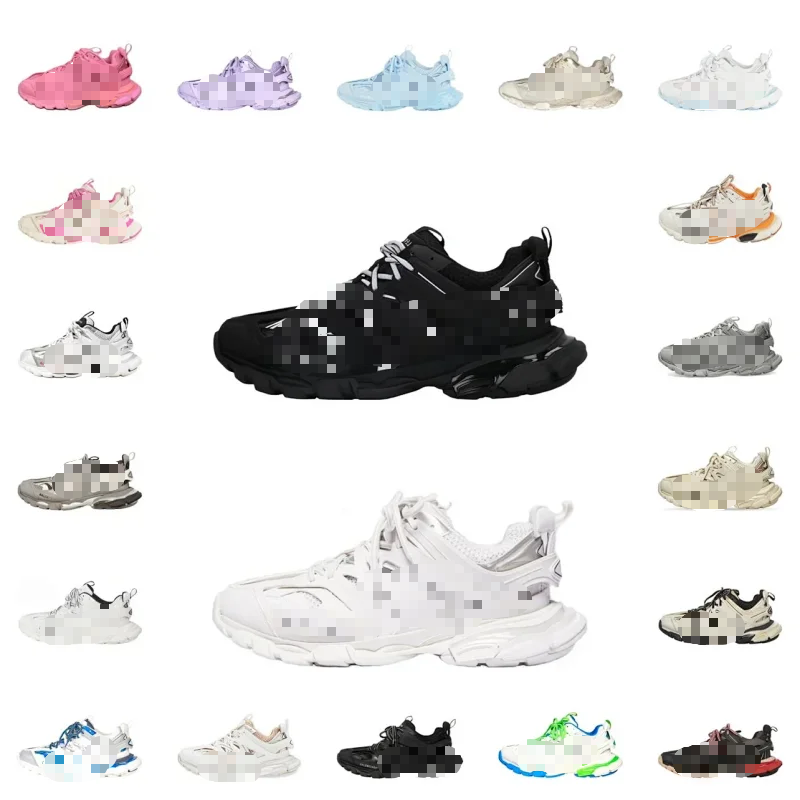
Browse sneakers, casual shoes, boots and sandals separately. Shortlist by silhouette and color, then open the sole, upper and available QC views while keeping each shoe tied to its own source link.
Find your next shortlist in the VigorBuy Spreadsheet. Browse footwear, clothing and accessories, compare the photos and open the exact source item on VigorBuy.
 ShoesSpreadsheet
 TopsSpreadsheet
 AccessoriesSpreadsheet
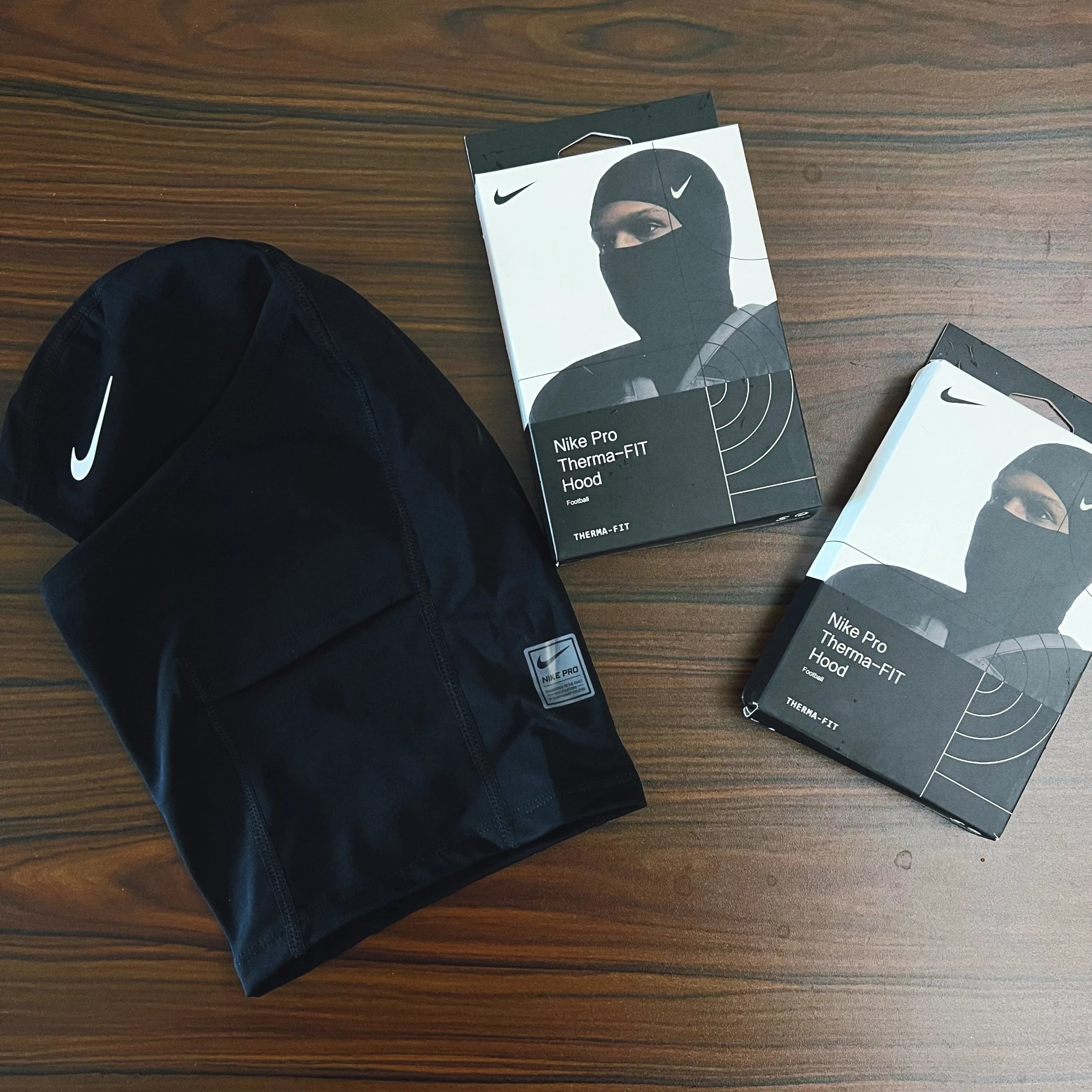
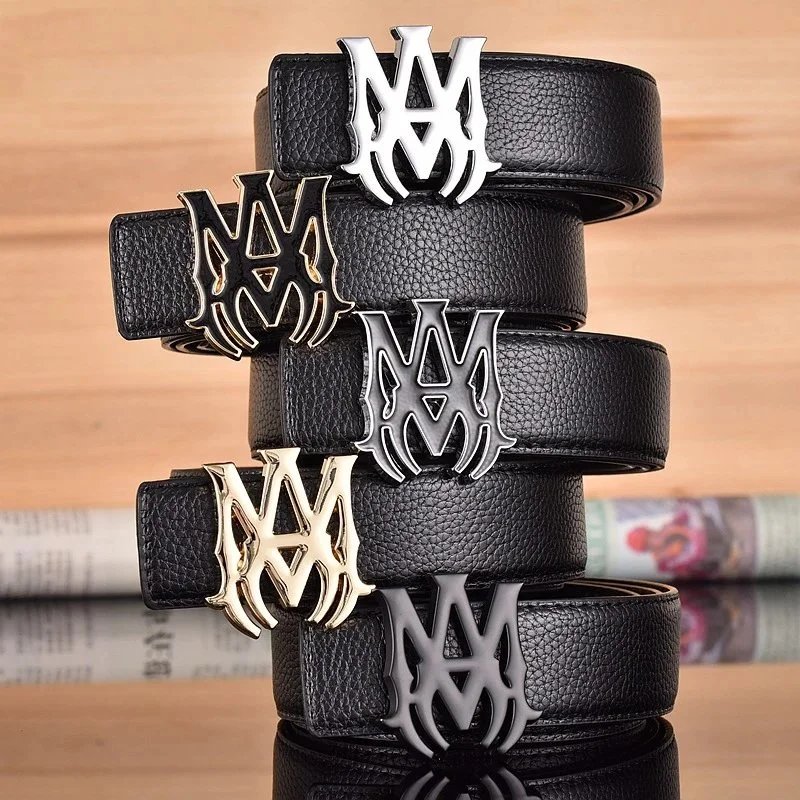
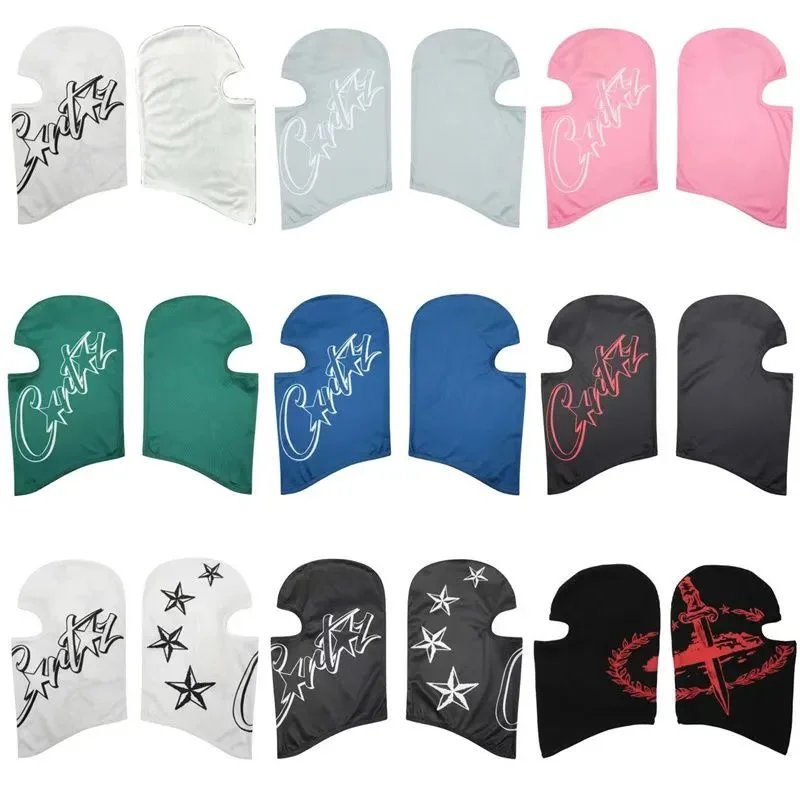
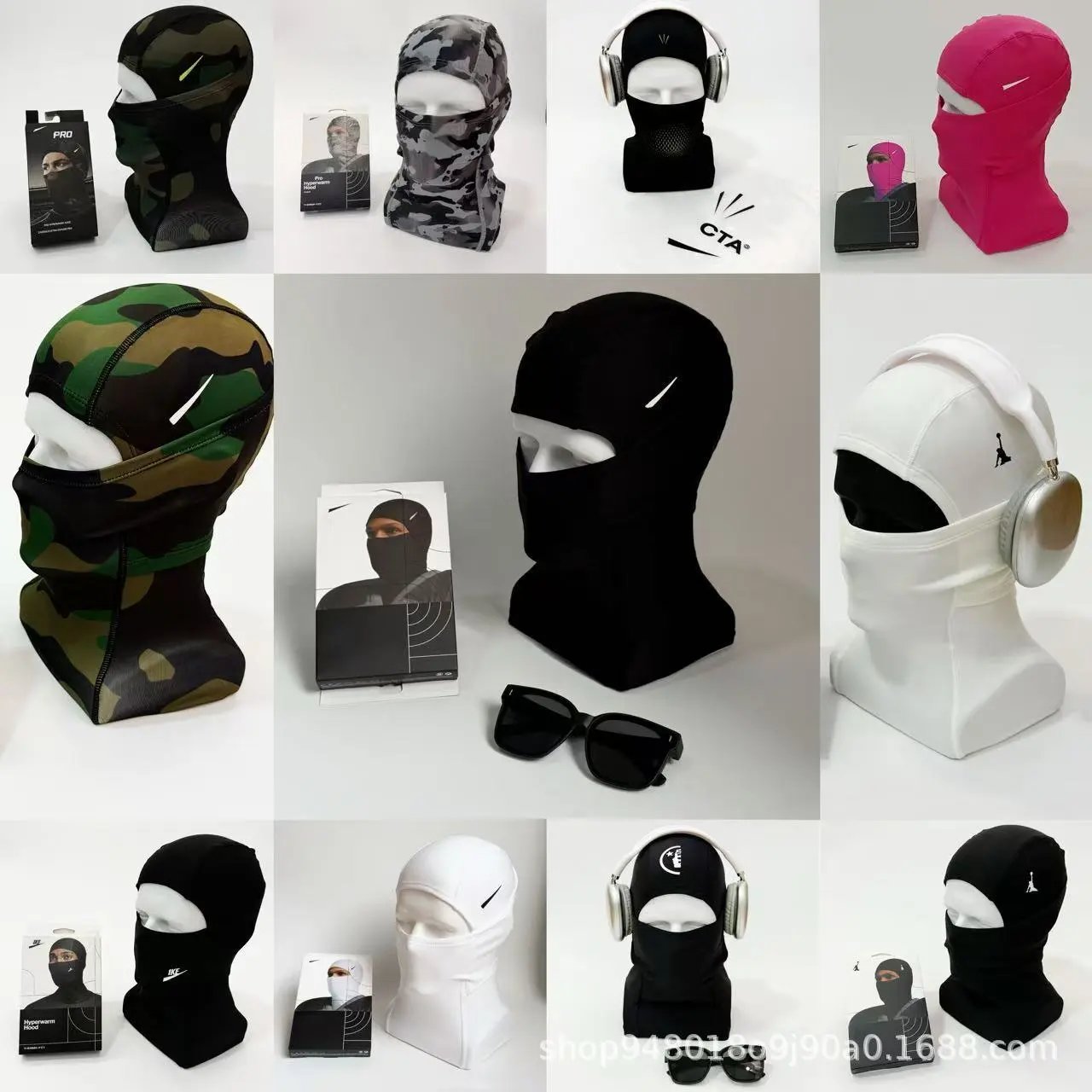

Browse sneakers, casual shoes, boots and sandals separately. Shortlist by silhouette and color, then open the sole, upper and available QC views while keeping each shoe tied to its own source link.
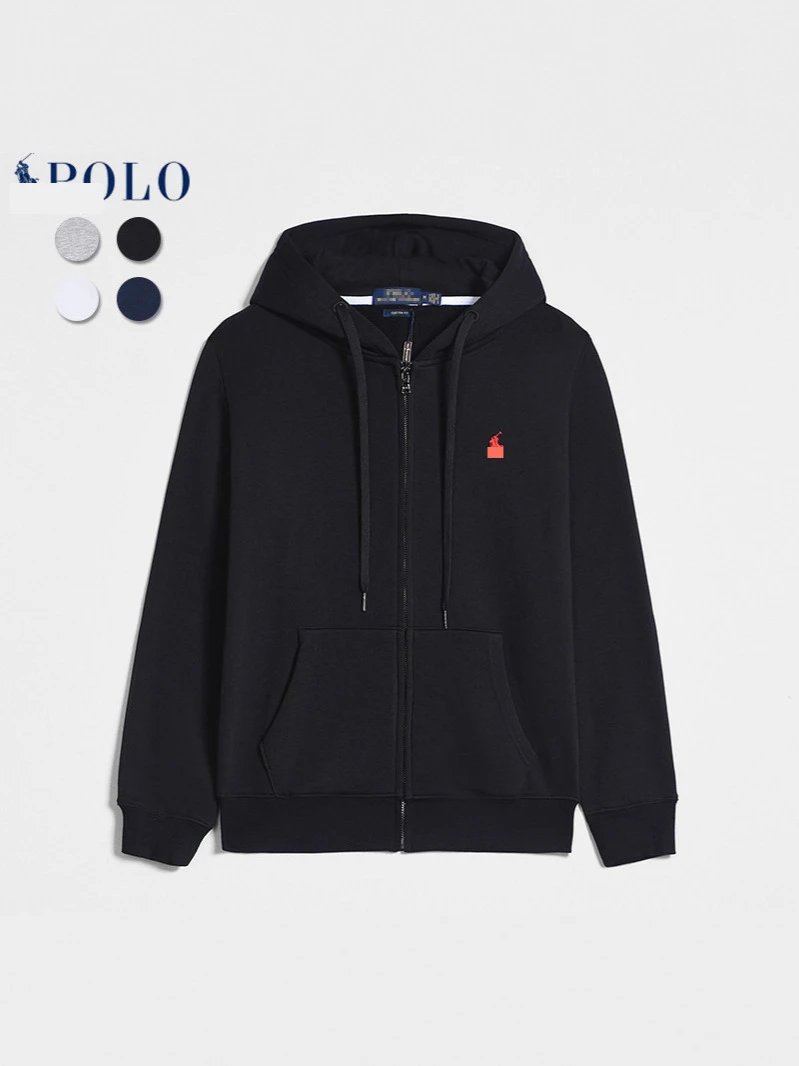
Choose tees, shirts, hoodies, sweaters, polos or jerseys. Compare front graphics and back designs, narrow by brand and open the galleries of the pieces you want to keep.
Look through trousers, shorts and skirts by shape, pocket layout and hem. Open the exact source item to check its options and contents rather than relying on a styled outfit picture.
Browse jackets, trench coats, down jackets and blazers in their own lists. Compare collars, closures and lining pictures together on the detail page before following the source offer.
Explore tracksuits and loungewear as complete outfits. Inspect the individual pieces and check what the source listing includes; accessories used to style a photo may be separate.
Search everyday basics by item name and compare the pictured options. Check quantity, fabric and measurements in the current source description; photos cannot establish comfort or fit.
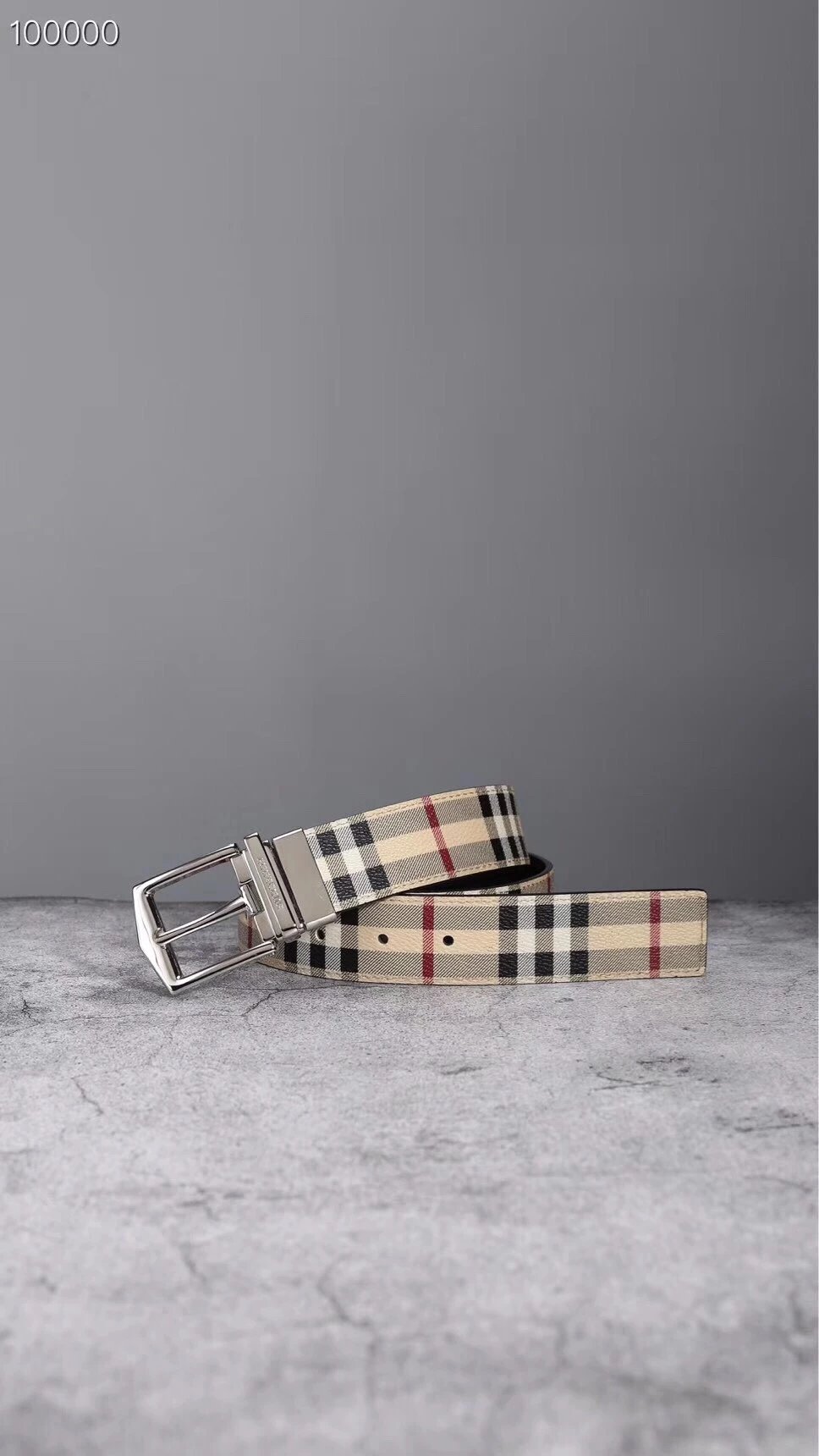
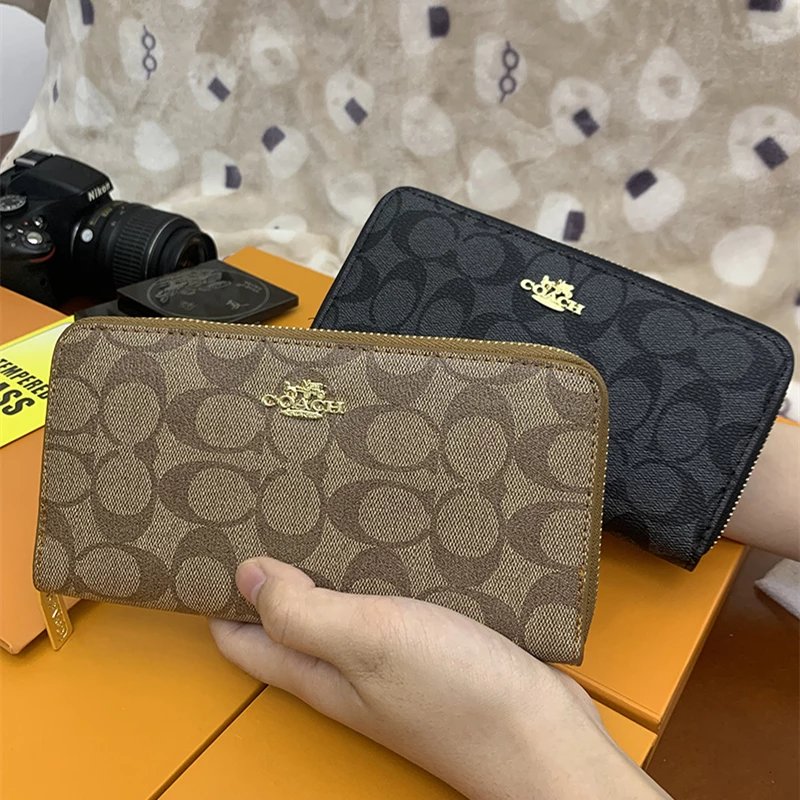
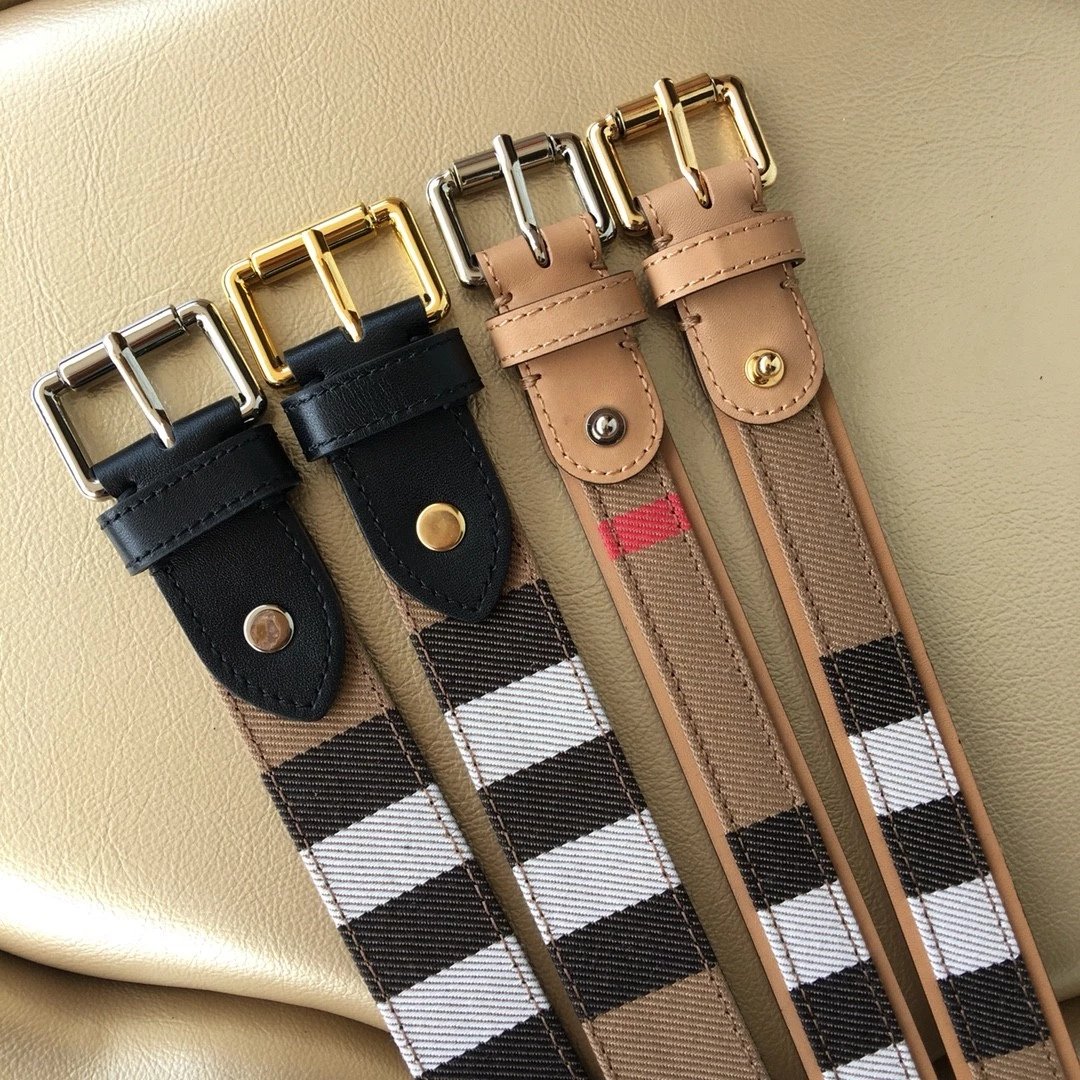
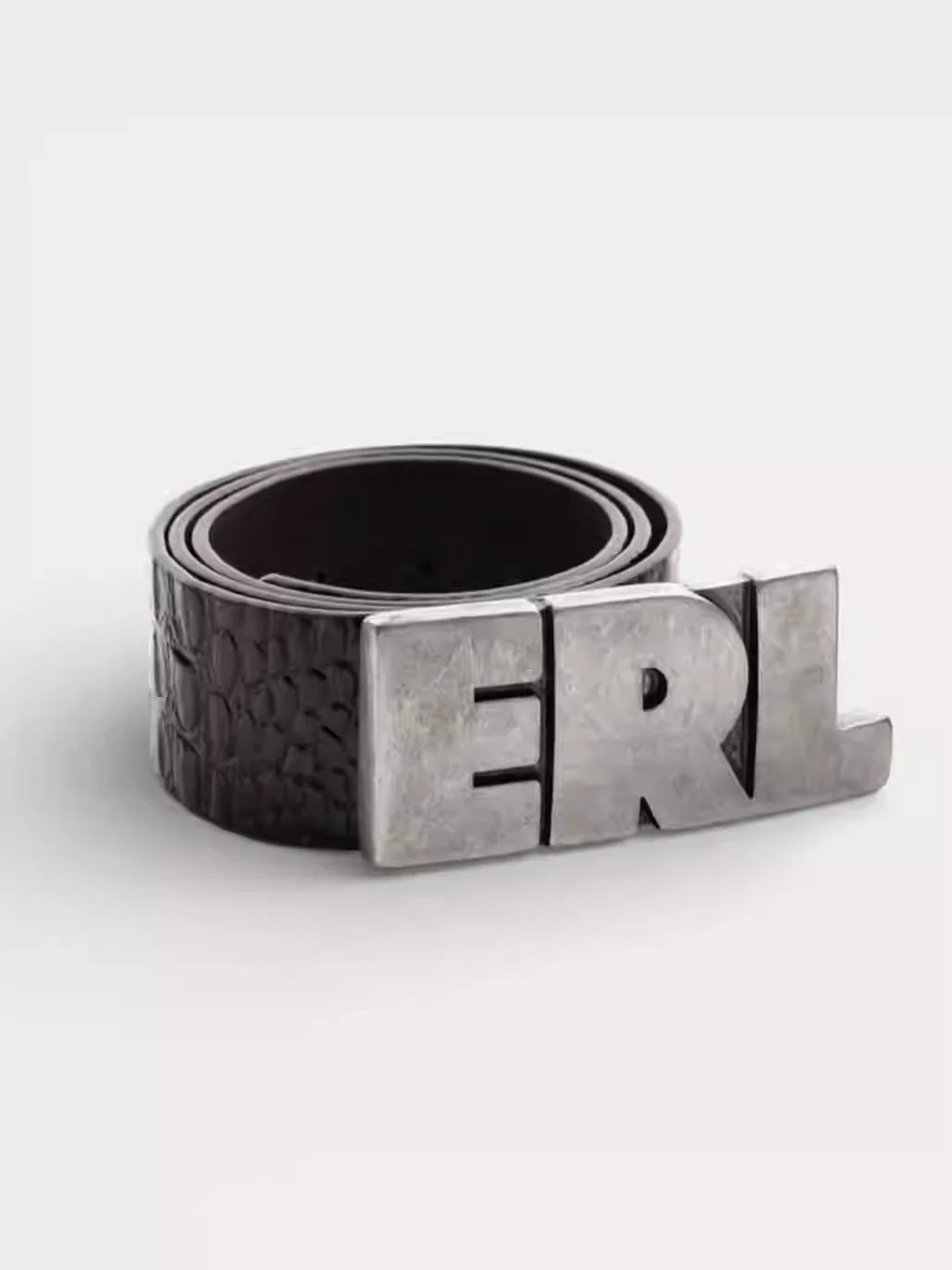
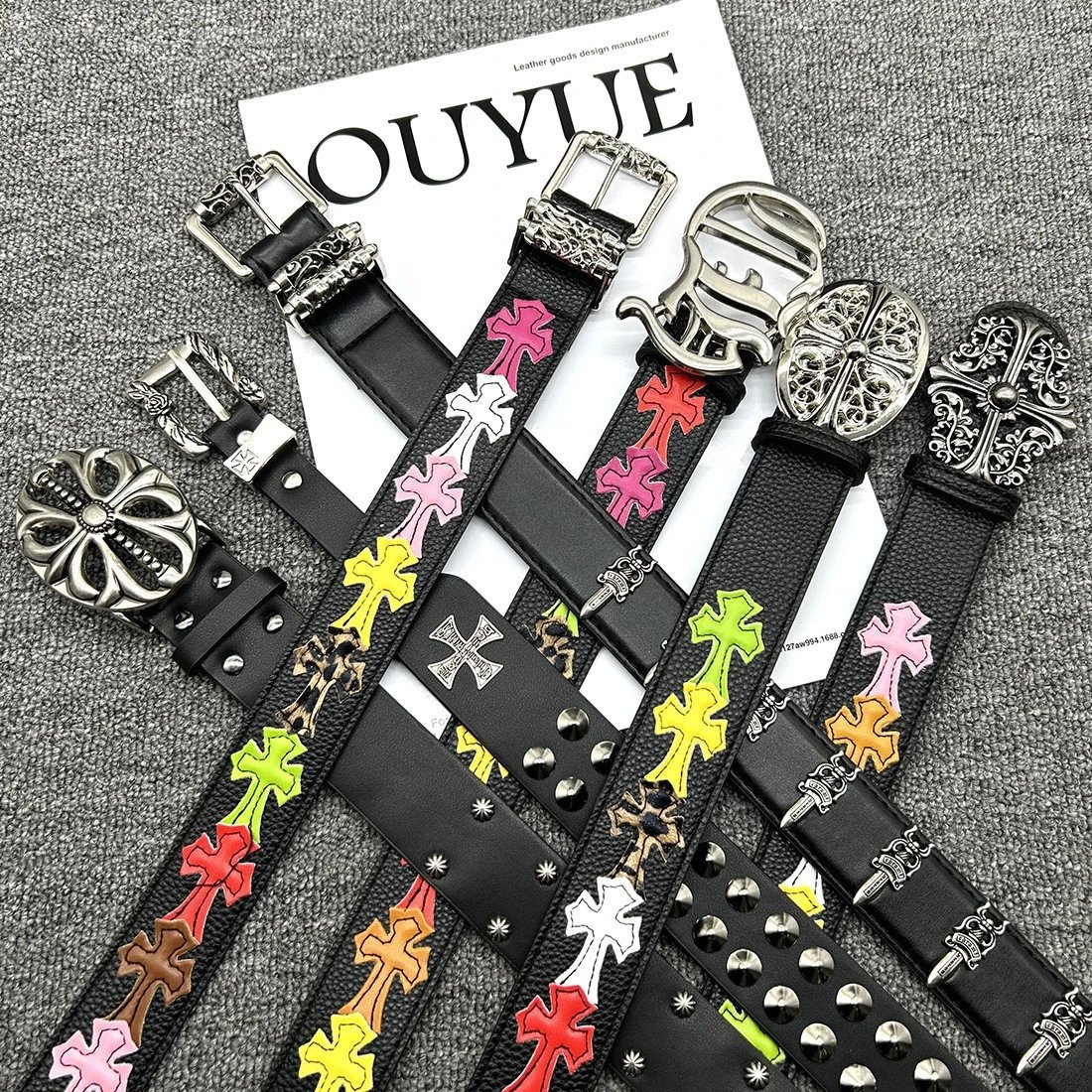
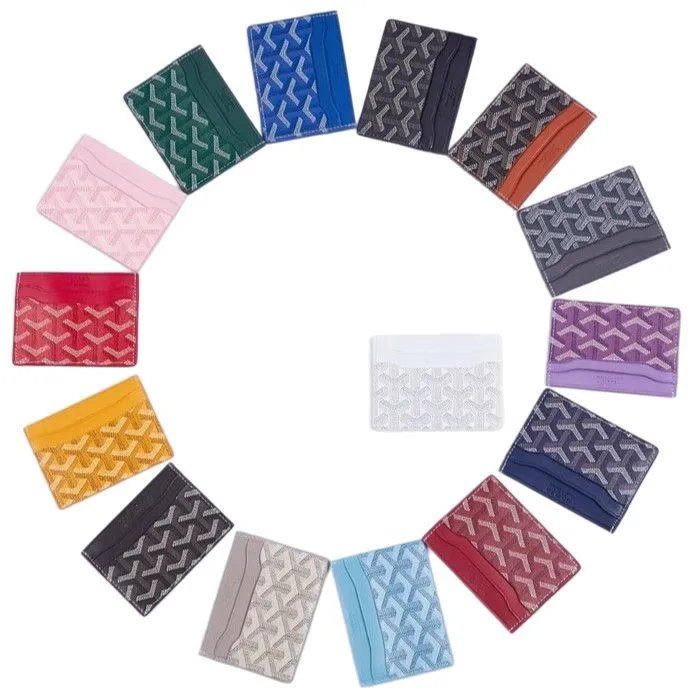
Browse bags, belts, eyewear, hats, jewelry, fragrance and watches. Compare closures, textures and interior views to distinguish similar offers, then copy the source link for your shortlist.
Explore headphones, lighting, smart watches and speakers. Compare model names and ports, then check compatibility and package contents; similar cases can contain different specifications.
Browse gift sets and other everyday goods, or start with a reference photo. Open each find to compare pictures, dimensions and included pieces while keeping the original address attached.
Product sources, pictures and purchase links.
Use the department links for footwear, tops, bottoms, outerwear, sets, underwear, accessories, electronics and everyday goods. Open a find to see its photos and the source item it belongs to.
Search a name first, then choose a department or brand. Try newest or price sorting to compare the remaining finds, and remove an active filter when you want to widen the list again.
Upload, drop or paste a reference picture in Image search. Open the closest results and compare details: a visual match can point to another seller’s listing.
The main gallery switches to that pictured option. This helps you inspect the item; select the actual size and color again on VigorBuy when placing an order.
They offer another view associated with a source item when reference photos are available. They are not photos of a new VigorBuy order you have yet to place.
Click the main photo or a QC picture to open the full image viewer. Move between the available pictures and zoom in to inspect details.
Prices here are references, shown in USD initially. You can change the display currency in the header; confirm the current item price on VigorBuy before ordering.
This is an independent discovery site, separate from VigorBuy. Registration and purchasing happen on VigorBuy, and our referral links may earn a commission.
For supported Weidian finds, the button uses /product/2/ followed by that item’s original numeric ID. Check the source link on the VigorBuy page before choosing your order options.
A seller can change a listing or stop offering an option. A reference photo or price here does not guarantee current availability; confirm the offer on VigorBuy.
Use Copy Weidian link on the detail page. The button confirms when the copy succeeds so you can keep the source address with your shortlist.
You can browse this spreadsheet and inspect the available pictures without creating a Sheetz account. Registration and order management take place on VigorBuy.